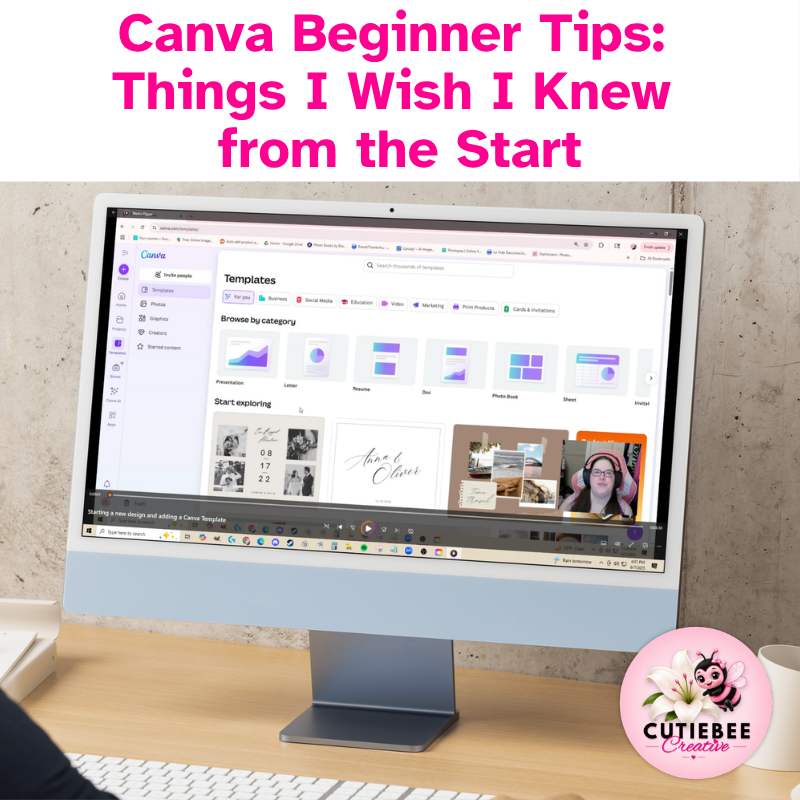
Learn Canva without the overwhelm
Just click, watch, and start creating confidently.
25 Bite Sized Lessons • Over 2 Hours • No Experience Needed
Regular Priced $27FREE with the Biz Tech Simplified Bundle
Confused by Canva? This beginner-friendly video course walks you through the essentials—step by step. With 25 bite-sized lessons and an easy-to-navigate menu, you’ll learn exactly what you need to start designing confidently, even if you’re short on time. No Canva Pro required.
What This Course Is All About
Let’s be real—Canva looks easy… until you’re staring at 1,000 templates and wondering where to even begin.
That’s exactly why I created Beginner Canva Tips: Things I Wish I Knew from the Start—a no-fluff, straight-to-the-point video course for beginners and overwhelmed users alike.
With over 2 hours of bite-sized video lessons, you’ll learn how to:
- Navigate Canva’s menus with confidence
- Use the most important features that actually matter
- Stop wasting time guessing and start creating with ease
The course includes an easy-to-navigate menu, so you can jump straight to the lesson you need—whether you’ve got 5 minutes or 30. Work through the entire course in one sitting, or break it up into short, manageable chunks over a few days. You set the pace.
What You’ll Walk Away With
- Quick-reference access to lessons when you need a refresher
- A clear understanding of Canva’s layout and tools
- Confidence in starting and finishing your own designs
- A smoother, faster workflow
- The ability to create without feeling overwhelmed
- Plus a PLR Template to help you get started creating
This Workshop is for Personal Use Only.
This is a digital product. No physical item will be sent.
Ready to finally get Canva?
Start the course today and build the confidence you need to create with clarity.